NTokenizers.Extensions.Spectre.Console
The NTokenizers.Extensions.Spectre.Console library provides advanced syntax highlighting using Spectre.Console for XML, JSON, Markdown, TypeScript, JavaScript, CSS, HTML, C#, SQL, TOML, C, C++, Go, Java, Kotlin, Python, Rust, and Swift.
Showcase
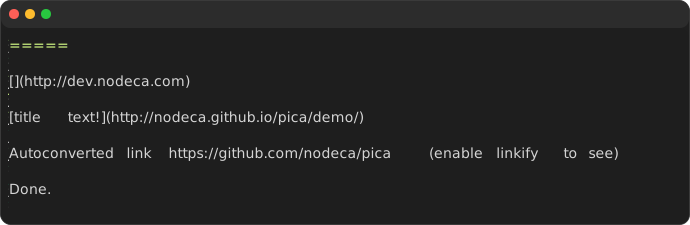
This library builds on:
- Spectre.Console for advanced console rendering
- NTokenizers for modular, stream‑based tokenization
Together, they enable expressive syntax highlighting directly in the console.
Example Usage
await AnsiConsole.Console.WriteMarkdownAsync(stream);
Especially (but not only!) suitable for parsing AI chat streams, NTokenizers excels at processing real-time tokenized data from AI models, enabling efficient handling of streaming responses and chat conversations without buffering entire responses.
Check out AI Example for an HowTo.
Token visualization demo
Ai demo
String output
var result = await AnsiConsole.Console.WriteMarkdownAsync(stream);
In addition to writing to the console, the original input is returned for convenience.
Writing a ‘simple’ string
var help = """"
           #### Some extra instructions to accomodate multiline input:
           |Command|Description|
           |**Shift-Enter**|to place a soft new line|
           |**Ctrl-B**|to paste multiline, do not use **Ctrl-V**, because that will input a _<Enter>_'s|
           |**bye**|type bye to end the chat session|
           |**clear**|type clear to clear the chat history|
           """";

AnsiConsole.Console.WriteMarkdown(help);